Device Security and Cyber Safety
Learn how to protect laptops, smartphones, organizational data, online accounts, digital communications, and workplace systems from cyber threats, unauthorized access, malware, scams, phishing attacks, and data breaches.
Start Learning8+
Security Modules
20+
Cyber Safety Lessons
15+
Training Videos
100%
Digital Safety Focus
1. Introduction to Device Security
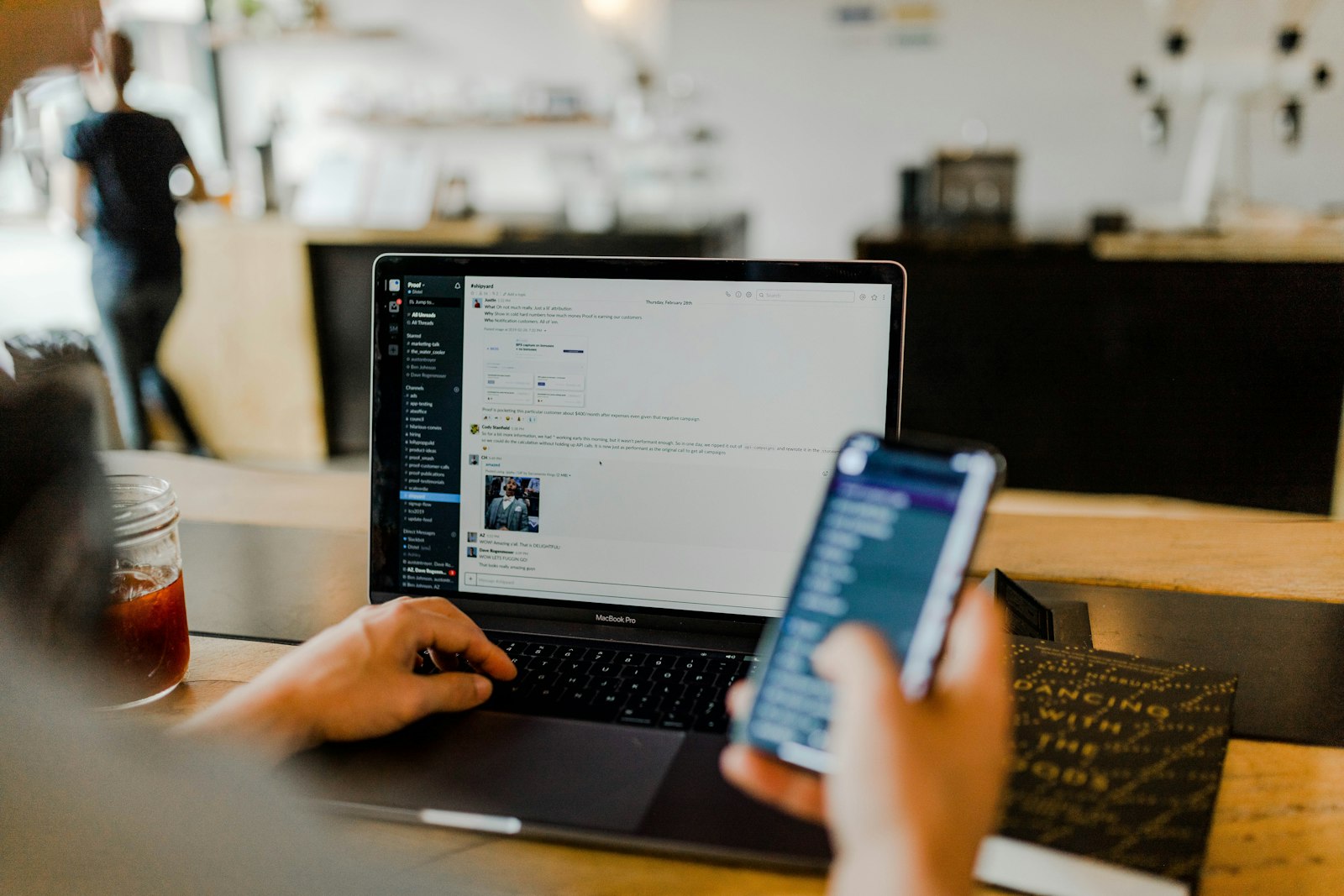
Device security involves protecting computers, smartphones, tablets, online accounts, applications, and organizational data from cyber threats, unauthorized access, hacking, malware infections, and information theft.
Protect Sensitive Information
Prevent unauthorized access to confidential organizational data.
Prevent Financial Loss
Reduce risks associated with cyber fraud and scams.
Support Organizational Operations
Maintain secure communication and digital workflows.
Protect Staff and Beneficiaries
Secure personal and organizational information from misuse.
2. Password Security and Account Protection
Strong passwords help prevent unauthorized access to organizational accounts, emails, files, and workplace systems.
- Use at least 12 characters
- Combine uppercase and lowercase letters
- Include numbers and symbols
- Avoid personal information
- Use different passwords for different accounts
R@da2026Secure!
MFA adds an extra layer of protection by requiring verification codes or authentication apps in addition to passwords.
| Security Method | Purpose |
|---|---|
| Password | Primary account protection |
| Verification Code | Confirms user identity |
| Authentication App | Provides secure login approval |
3. Phishing and Online Scam Awareness
Phishing attacks attempt to trick users into revealing passwords, banking information, login credentials, or confidential organizational data.

Suspicious Links
Links directing users to fake websites.
Urgent Requests
Messages demanding immediate action.
Fake Email Addresses
Emails pretending to come from trusted organizations.
Unexpected Attachments
Files containing malware or viruses.
- Verify sender email addresses
- Avoid clicking suspicious links
- Do not share passwords through email
- Report suspicious communication immediately
- Use updated antivirus software
4. Safe Internet Browsing
Safe internet practices reduce exposure to malware, hacking attempts, unsafe downloads, and cyber threats.
- Visit trusted websites only
- Check website security using HTTPS
- Avoid downloading unknown files
- Keep browsers updated
- Log out of shared devices
| Unsafe Practice | Safe Alternative |
|---|---|
| Using public Wi-Fi without protection | Use secure trusted networks |
| Downloading cracked software | Use licensed applications |
| Ignoring browser updates | Install updates regularly |
5. Laptop and Smartphone Protection
Screen Locks
Use passwords, fingerprints, or PIN protection.
Device Updates
Install security updates regularly.
Antivirus Software
Protect systems against malware and viruses.
Data Backup
Store backups securely in cloud storage or external drives.
- Do not leave devices unattended
- Lock devices during travel
- Use secure bags and storage
- Avoid unauthorized USB devices
6. Organizational Data Protection
Organizations must protect reports, financial records, beneficiary information, project files, and communication systems from unauthorized access and data loss.
Use Cloud Storage
Store files securely using Google Drive or approved platforms.
Restrict Access
Provide file access only to authorized staff.
Backup Important Files
Maintain secure copies of organizational data.
Encrypt Sensitive Information
Protect confidential information during sharing and storage.
7. Responding to Cyber Security Incidents
Staff should respond quickly to suspicious activities, malware infections, unauthorized access attempts, and data breaches.
- Disconnect affected device from internet
- Report incident immediately
- Change compromised passwords
- Run antivirus scans
- Document suspicious activities
- Restore systems securely